
How do I preview my letter
Mailform is the easiest way to print and mail a letter, online or offline. When using Mailform to send a letter, you can upload multiple documents and either add all documents to a single envelope, or mail each document to a unique recipient in a separate envelope. Mailform makes it easy to preview the contents of an envelope.
Single Letter
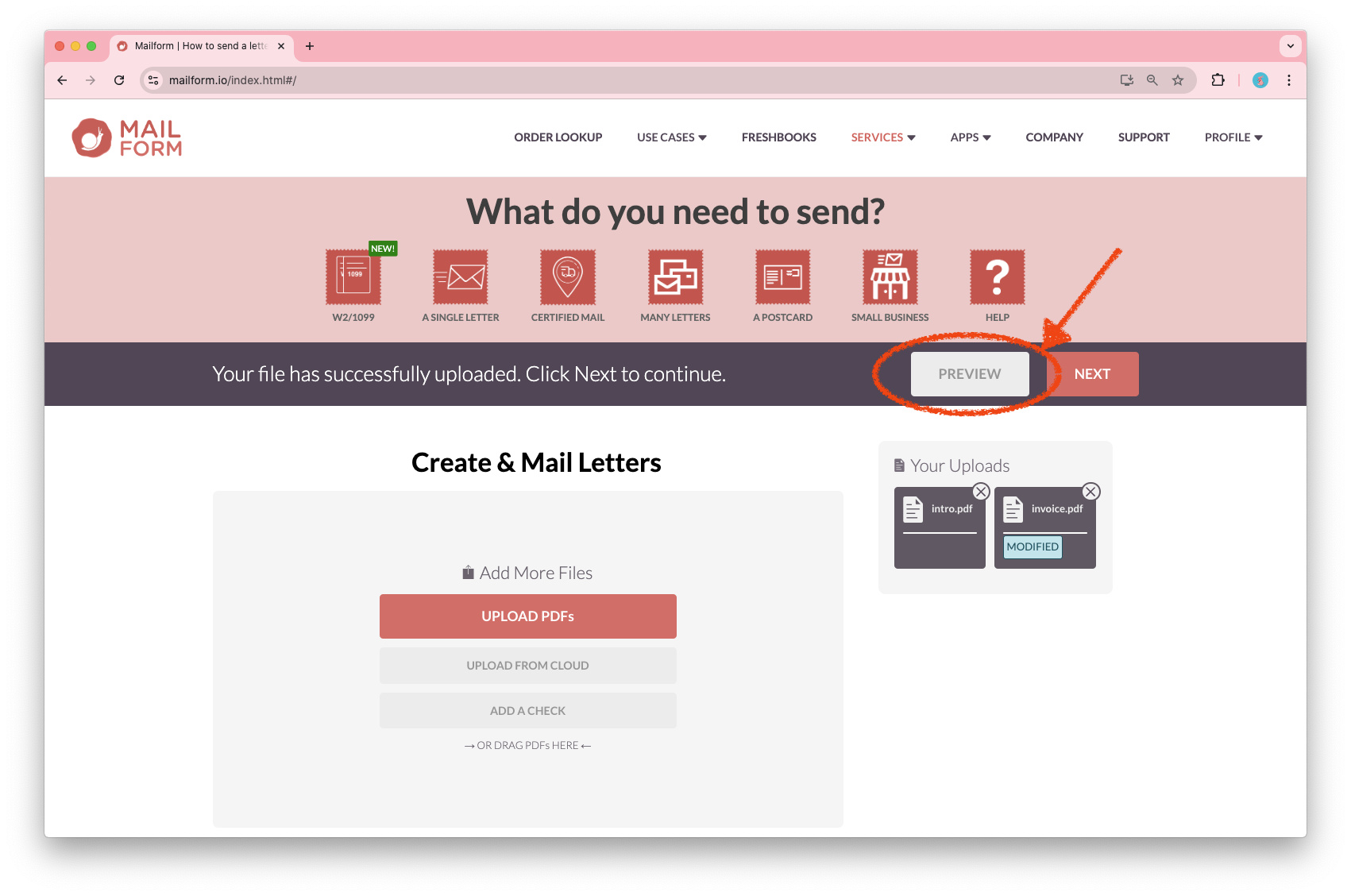
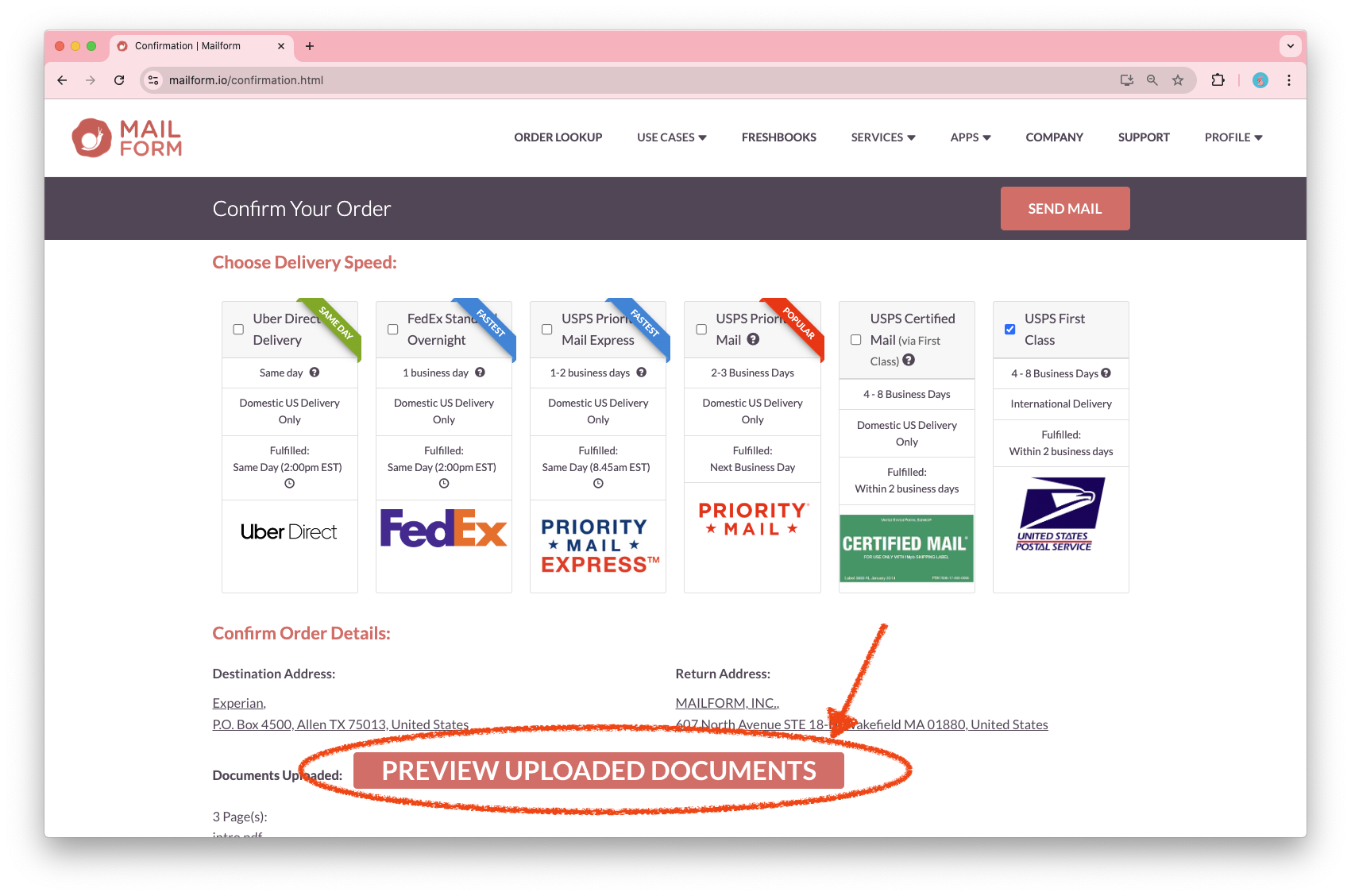
When sending a single letter, the preview option is available when after upload, and when selecting the mail service:
After Upload:
Selecting Mail Service:
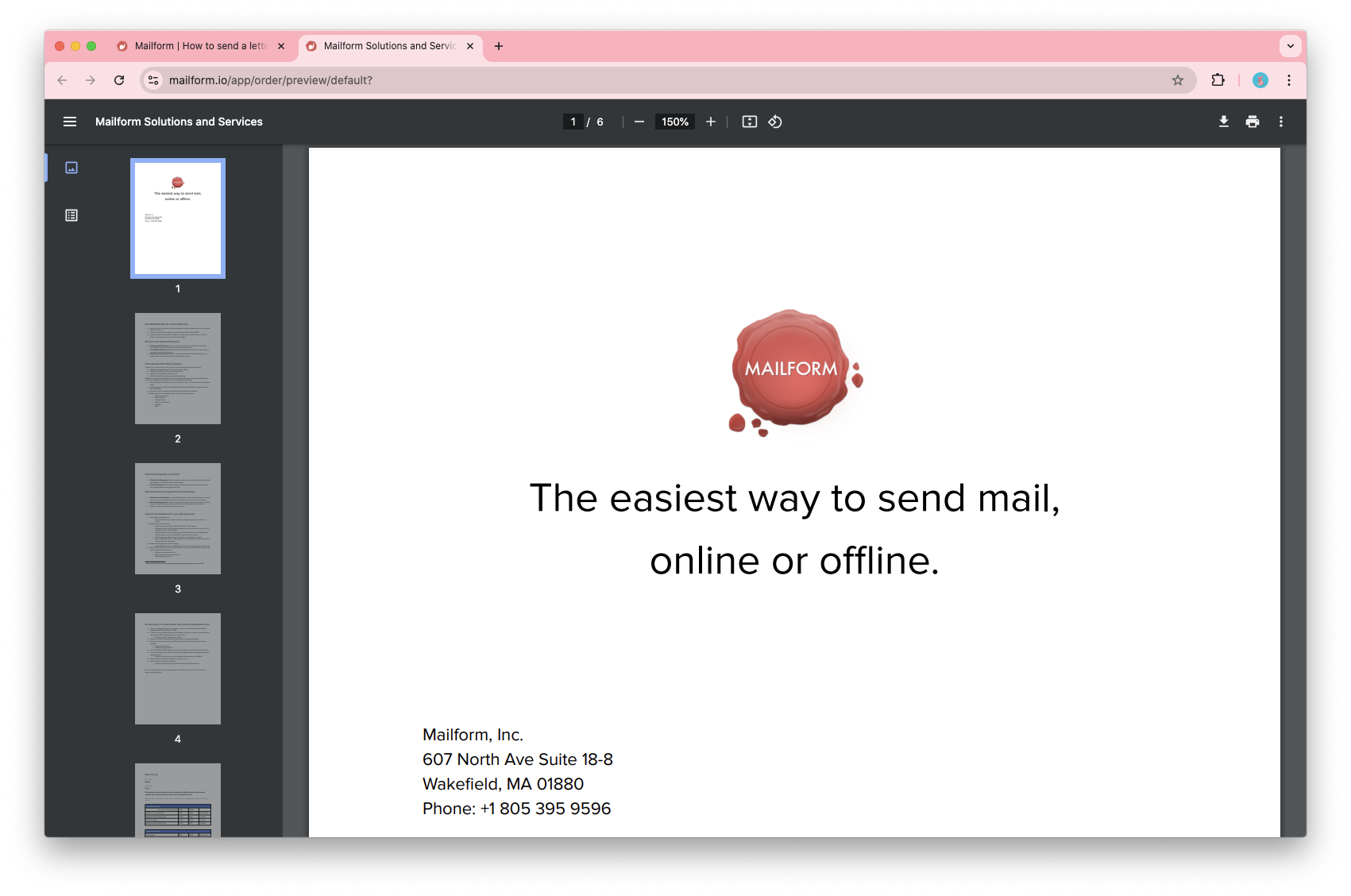
After clicking the button, the preview will open up in a new tab.
Bulk Letter
When sending multiple letters, each envelope in the list has a preview option in its individual menu:
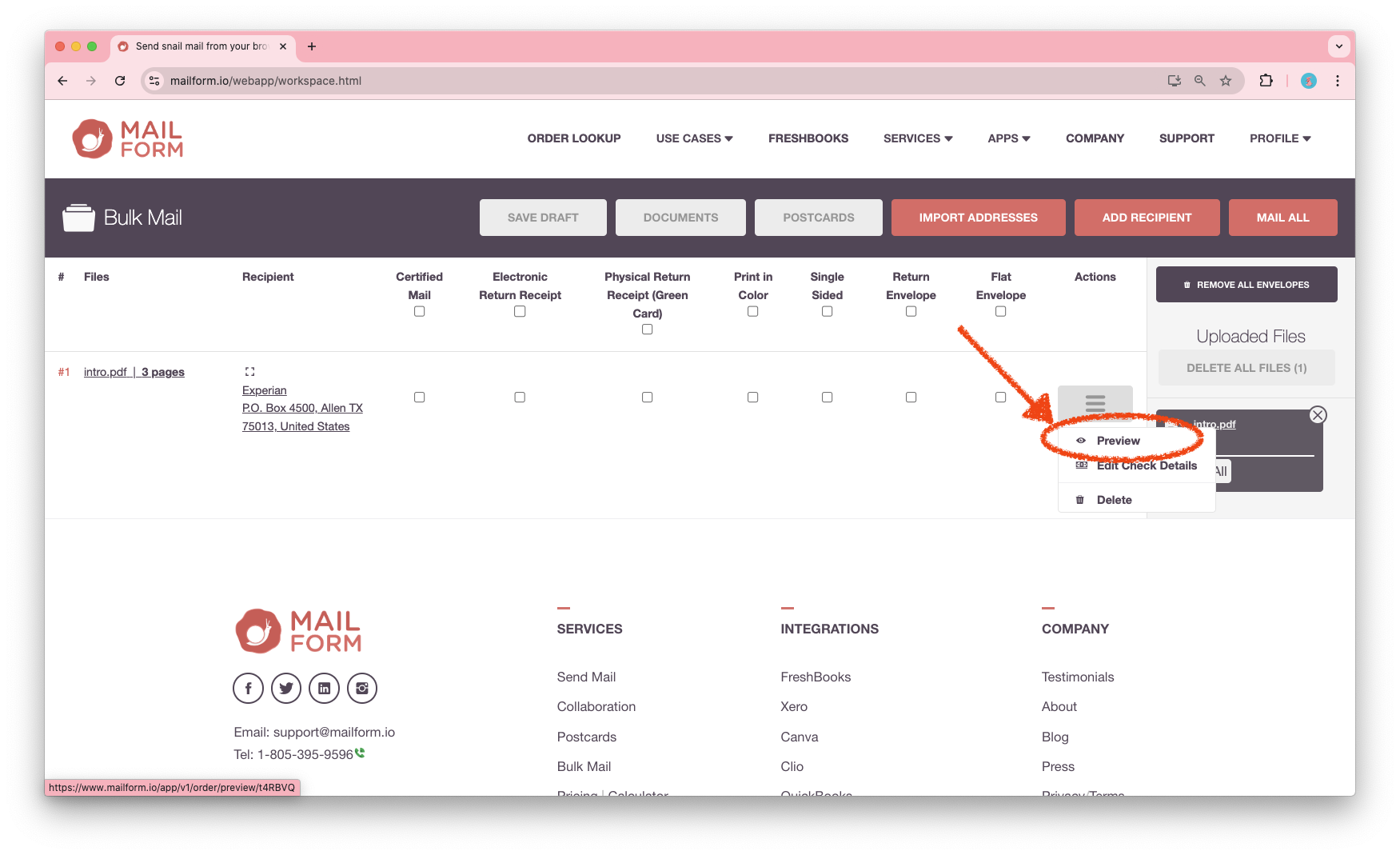
Clicking the Preview menu item will open the contents of the envelope in a separate tab.
This makes it easy to verify the specific contents of each envelope.
Thanks once again for using Mailform.